Understand Your Squad
See squad depth, backups and position coverage on one pitch.
The only FM squad planner you need?
A free FM27 companion app that reads your save directly and works as a strategic Squad & Transfer Planner. Map squad depth from first team to academy, plan transfers with your actual budgets, and get AI Sporting Director insights.
See squad depth, backups and position coverage on one pitch.
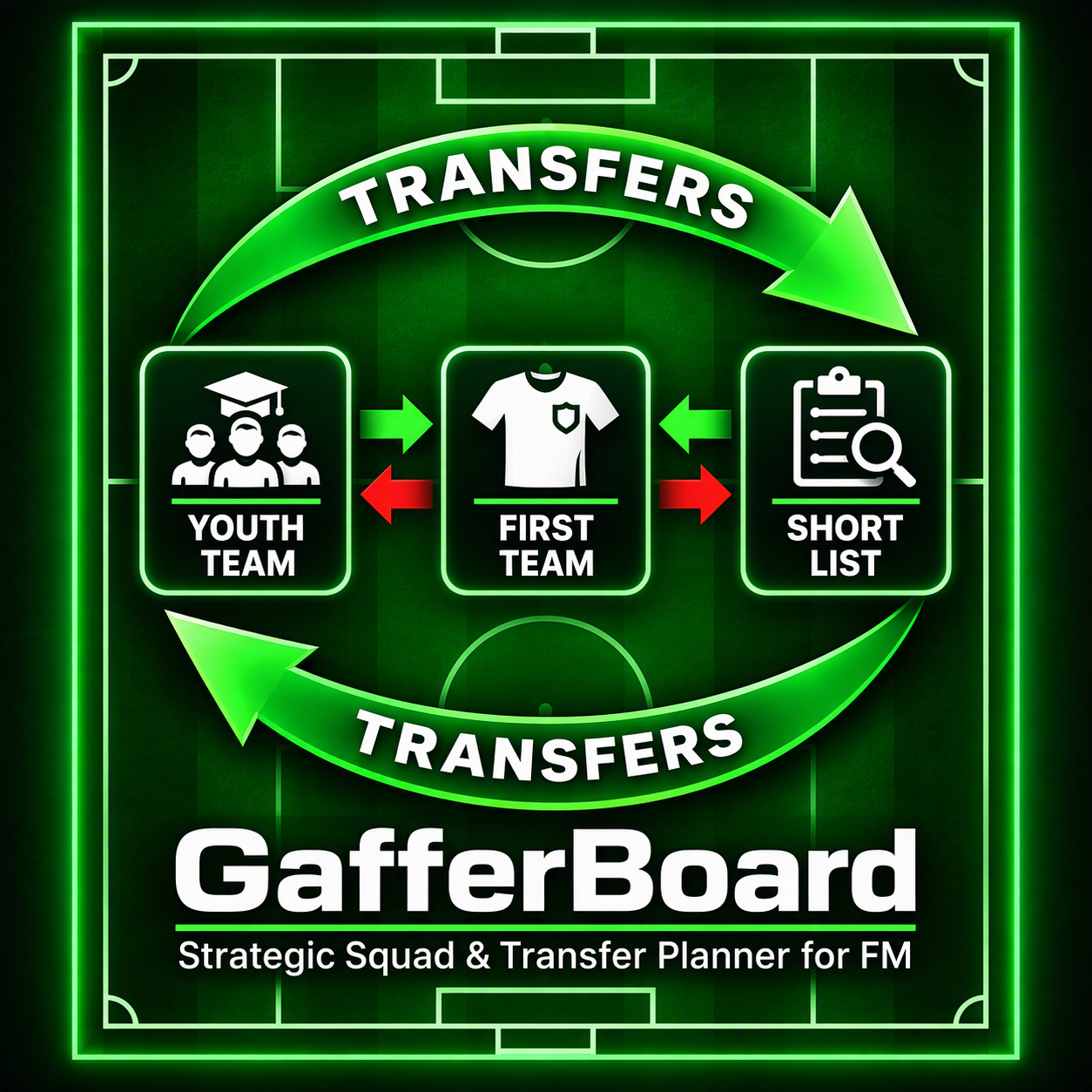
Keep, loan, sell and buy, with your actual budget for every window.
Track youth prospects and plan squad development several seasons ahead.
Download GafferBoard today.
No registration required. No advertisements. No subscriptions.
Download Latest ReleaseFrom your save to a plan you can follow, step by step.
Start from your own save. Load your FM27 save file and shortlists directly, or open a plan you saved earlier.
GafferBoard only reads your save. It never modifies it.
View your First Team, U21 and U18 squads across all three tactics and the next three seasons, with up to three players per position. Show age, star rating, value or contract next to each name, and click the coloured dot to mark a player as keep, loan out, consider (for sale) or sell.
It helps you answer questions like:
Switch to the squad building view and see every position as a row: who is in the squad now, who is out on loan, who you plan to sell and in which transfer window. Organise players into:
Choose who replaces a departing player from your shortlist or academy, and see contract years next to every name so you know who steps up before a contract runs out. Then build a long-term roadmap for how your squad should evolve, from promoting academy players to first-team regulars.
Get an objective second opinion before you commit to a transfer window. The Sporting Director evaluates every unit in your squad and automatically flags risks, from expiring contracts and outgoing players missing a replacement to squad strengths and overall age profile.
Need a full written breakdown? Run an optional Deep AI report using your own Google Gemini key or a local Ollama model directly on your PC.
When a player is marked for sale or nearing the end of a contract, the Sporting Director ranks the best replacements from your shortlist with a clear match score and one-click target picking.
Use automatic scoring or weight your own recruitment priorities, including your assistant manager’s current ability and potential ratings, age range, price and wages, expiring contracts, homegrown status, form, injury risk and preferred foot.
Track completed and planned transfers, transfer window by transfer window.
Your budget is pulled directly from your save, so every plan is checked against your real club finances.
Understand where your squad is strong and where future problems may be developing.
Review squad quality, potential, age profile, contract situations, homegrown status (HGN/HGC registration rules) and position strength before you make important decisions.
Follow your own development as a manager over time. GafferBoard records a baseline of your coaching and mental attributes from your FM27 save, so you can track how you progress season by season.
Review club finances and key backroom staff in one view, switch between active managers in multi-manager saves, and set your manager philosophy and traits to tailor the Deep AI Sporting Director to your style.
Download GafferBoard today.
No registration required. No advertisements. No subscriptions.
Download Latest ReleaseGafferBoard is built for Football Manager 27 (FM27) on Windows PC. It reads FM27 .fm save files and .fmf shortlists directly. Earlier FM versions are not supported.
No. GafferBoard is 100% read-only and never modifies your save. Your own notes, depth charts and transfer plans are stored separately as local .json files on your computer.
Open Load Data in Settings and select your FM27 savegame folder and shortlists folder. No manual HTML exports or spreadsheets are needed.
Yes. If your save includes more than one active manager, you can switch between them directly from the Manager & Club Profile view.
Because GafferBoard is a free, unofficial hobby app without a paid Microsoft code-signing certificate, Windows Defender SmartScreen may show an “Unknown publisher” warning on first launch. Click “More info” and then “Run anyway”. Every release is published on GitHub with a SHA-256 checksum so you can verify the file. View VirusTotal scan.
Yes. The lineup page works on its own across up to three tactics. The transfer, Sporting Director and analysis pages are there whenever you want them.
Yes. GafferBoard covers your First Team, U21, U18 and loaned-out players across three seasons, making it easy to track prospects and promote academy players.
Club finances and transfer budgets are read directly from your FM27 save, while contract warnings and homegrown (HGN/HGC) squad registration rules update as you plan each window.
No. The built-in Live Sporting Director analysis and replacement matching work locally without any AI setup. The written Deep AI report is optional and supports Google Gemini with your own key, or a local Ollama model that stays on your PC.
Live Sporting Director runs automatically inside the app to flag contract warnings, missing replacements, unit ratings and ranked shortlist matches. Deep AI uses an LLM (Gemini or local Ollama) to write a full squad report tailored to your manager philosophy and traits.
Yes. It is completely free, with no registration, no advertisements and no subscription.
None. GafferBoard runs 100% locally on your PC with zero tracking or telemetry. No data ever leaves your computer unless you choose to run an optional Deep AI report via Google Gemini.
No. GafferBoard is an unofficial fan-made tool and is not connected to Sports Interactive or SEGA.
Found a bug, a savegame issue or have a feature idea? Report it directly on GitHub Issues.
GafferBoard is developed by a Football Manager enthusiast in his spare time, and it is completely free to use.
If it helps you manage your saves, consider supporting future development. It’s never expected, and always appreciated.